Node Builder 2011
Add Tables
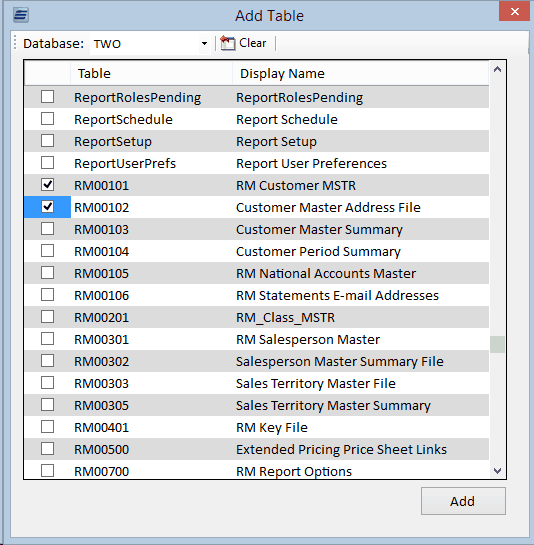
The Add Tables window opens when the Add button is pressed on the Tables screen in the main window. This window allows the user to select a database, or change it from the default database selected on the Setup window. After a database is selected, this window will populate with a list of available tables. One or more tables can be checked and when submitted, the selected tables will be added to the node.