Preview
The preview window can be used to show the batches that are available to post based on the posting routines that you have setup.
To view the available batches:
| 1. | Open the Preview window by going to Microsoft Dynamics GP - Tools - SmartPost - Preview. |
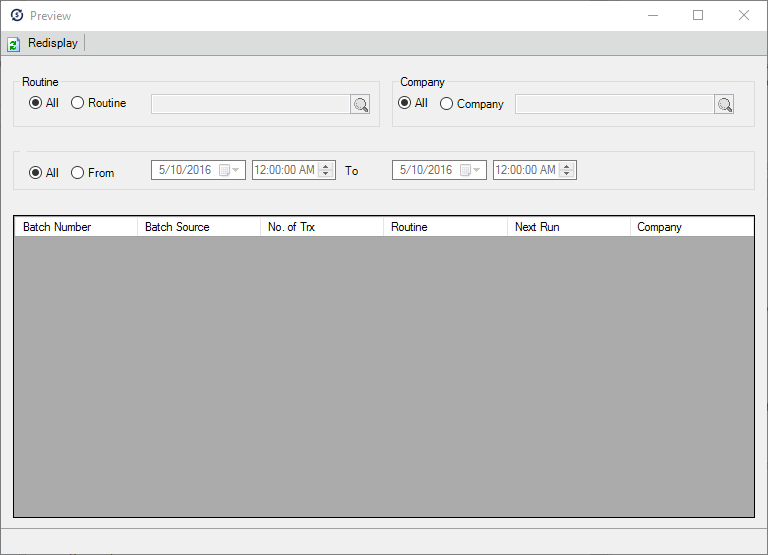
| 2. | Select the Routines, Companies, and dates you want to view the batches for. |
| 3. | Click Redisplay. |